
A note for our members
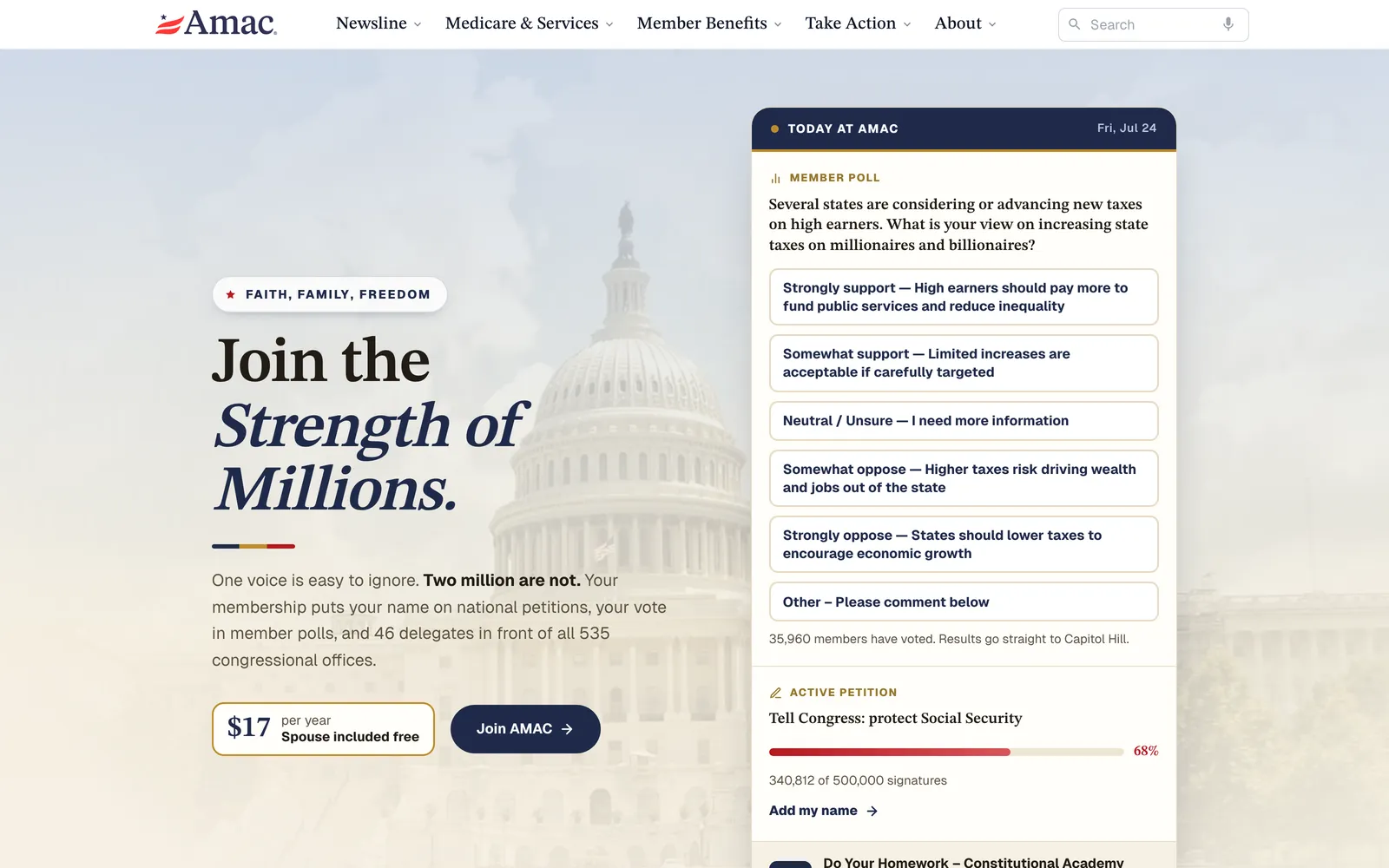
Welcome to the new AMAC.us
Things may look different, but your membership and account are right here.
This page is a short tour. Start with whatever you came for:
- Read Newsline The day's news and commentary Go
- Sign in No password — we email you a secure link Go
- Find your benefits More than 158 member discounts and services Go
- Send feedback Tell us what you think — a real person reads it Go
The site keeps improving after the tour — see the running list of updates →
We’re listening
Questions or feedback?
Ask anything about the new site, or tell us what’s working and what isn’t.
Thank you — it’s on its way.
Your message went to our team. A real person reads every report.
We couldn’t send your message.
Something went wrong on our end and it didn’t reach us. Please try again below, or call us at 1-888-262-2006 and we’ll take it over the phone.
Your account
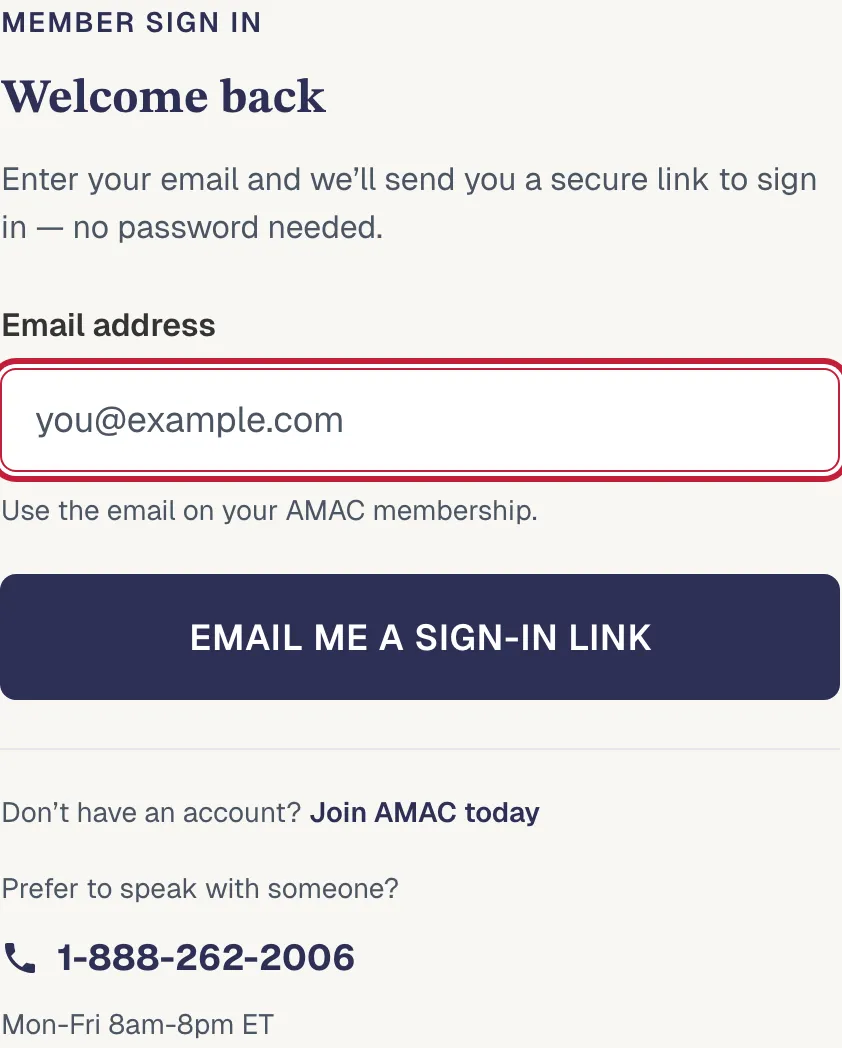
Sign in without a password
Signing in is simpler now — there is no password to remember. You do not need your old password, and you will never need it again.
-
Type your email. On the Sign In page, enter the email address on your AMAC membership.
-
Press “Email me a sign-in link.” We send a secure link straight to your inbox.
-
Open the email and click the link. You’re signed in. That’s it.
Email didn’t arrive? Check your spam or junk folder first, then press “Resend the link” on the sign-in page. Still stuck? Call us at 1-888-262-2006 and a real person will help.
Once you’re in, look for “Hi, [your name]” at the top right of every page. That’s your account — your membership, your renewal, your details.
Member benefits
Your member benefits
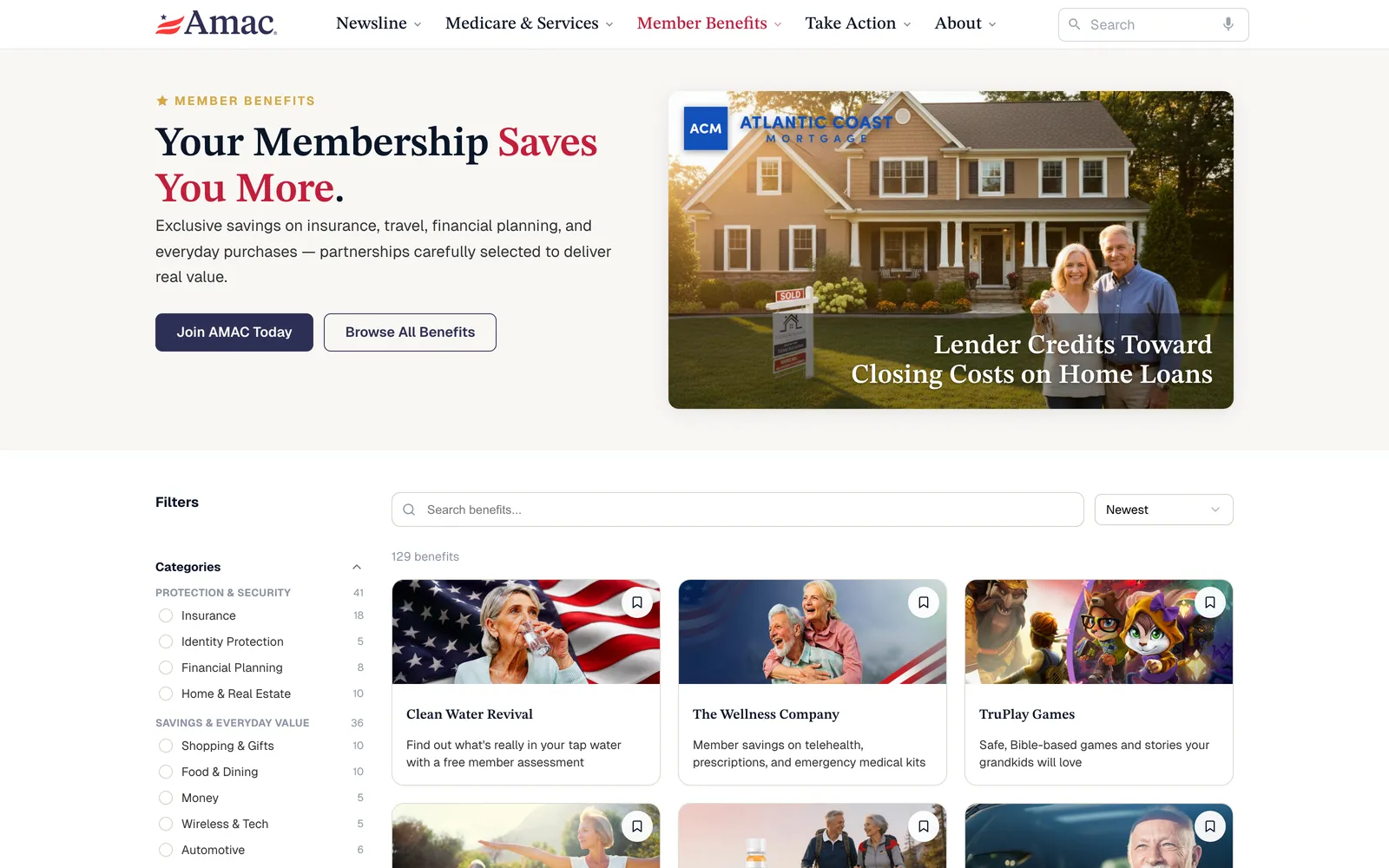
All your member benefits are in one place — and easier to find. Every discount and service that came with your membership is still yours. Browse more than 158 benefits at once, search by name, or filter by category — insurance, travel, finances, everyday savings.
Nothing was taken away. It’s the same benefits, in a bigger, easier catalog.
Daily news
Newsline, every day
Your daily news now has a front page. Newsline reads like a real newspaper: the day’s top stories up front, then sections for Politics, Economy, Social Security, Medicare, Health News, Faith & Public Life, and more. New stories all day, every day.
Two things members asked for, built right in:
- Listen instead of read. Many articles have a Listen button — press it and the story is read to you.
- Have your say. Every article has comments. Just type your name and email and join the conversation — no password needed.


AMAC Action
Make your voice heard
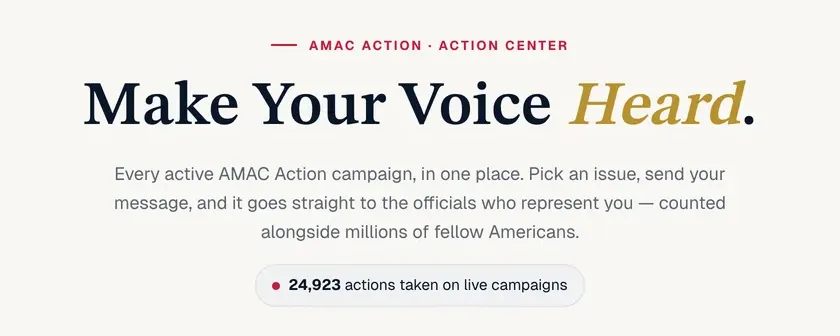
The new Action Center lets you act in minutes, without leaving amac.us:
- Sign petitions. Pick the fights that matter to you, add your name once, and watch the counts climb.
- Email Congress. Type your address, and your message goes to your own Senators and Representative — the real ones, matched to where you live.
- Find your officials. Free lookup of federal and state officials, with direct phone numbers.
This is what AMAC membership is for: two million voices, delivered.
Series
Your favorite writers and series
Member favorites now have homes of their own — each with its latest articles in one place, easy to find and easy to come back to.
- Ask Rusty Rusty's Social Security answers, plus his podcast. Visit Ask Rusty
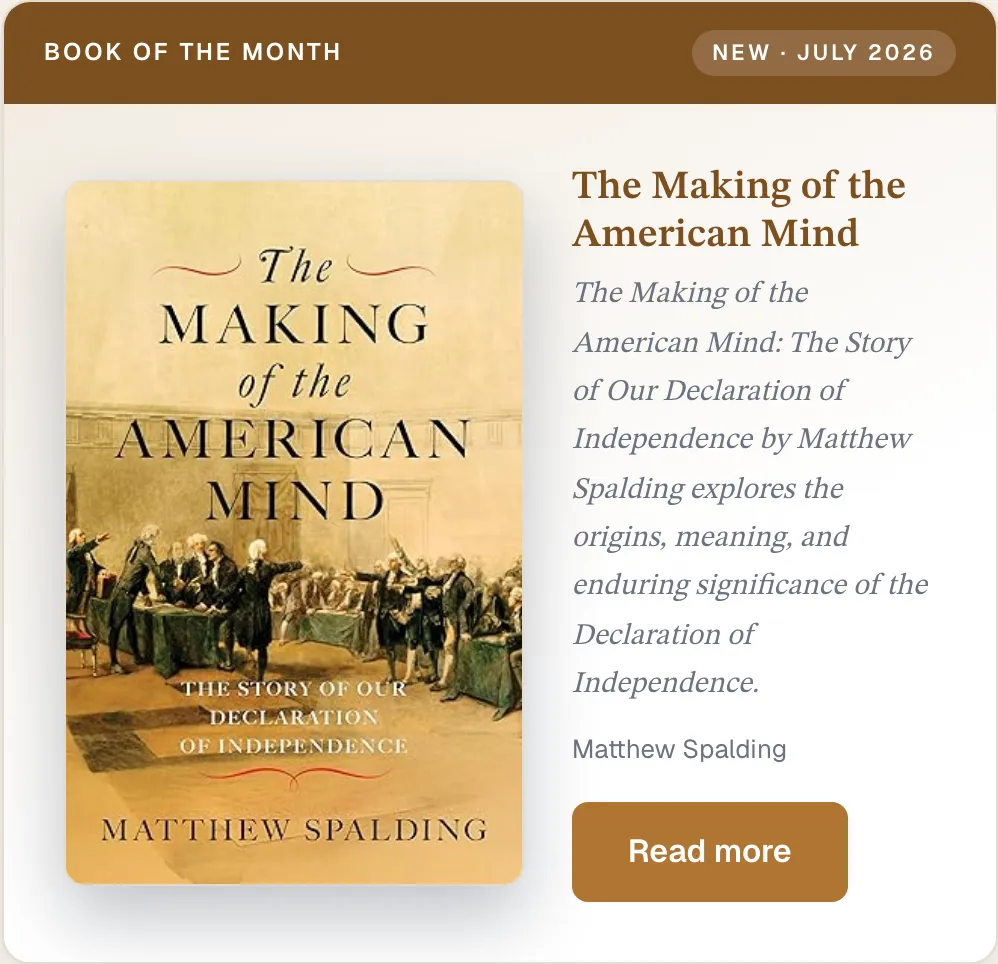
- AMAC Book Club The Book of the Month and the whole shelf. Visit AMAC Book Club
- AMAC Faith A devotional theme every month. Visit AMAC Faith
- AMAC Active Health and wellness for staying strong. Visit AMAC Active
- AMAC Kitchen Member recipes, one featured every visit. Visit AMAC Kitchen
- This Day in History What happened on today’s date. Visit This Day in History
And we’re not done — more member series are on the way.
Common questions
Questions & answers
Do I need a new password?
Is my membership still active?
Where did my benefits go?
Where is the magazine?
How do I comment on an article?
Where is Ask Rusty?
Can I still contact Congress through AMAC?
Who do I call for help?
Rather talk to a person? Call us.
A real, U.S.-based person answers — no phone trees. Help is free with your membership, like always.
Monday–Friday, 9 AM–8 PM Eastern
Prefer to type? Email Info@amac.us